Capture to exact dimensions
Start with the width and height you need, then frame your shot around the content instead of cropping afterwards.
ScreenShooter is a free desktop tool for IT teams, support staff, designers, developers and documentation writers who need clean, consistent screenshots at specific dimensions.
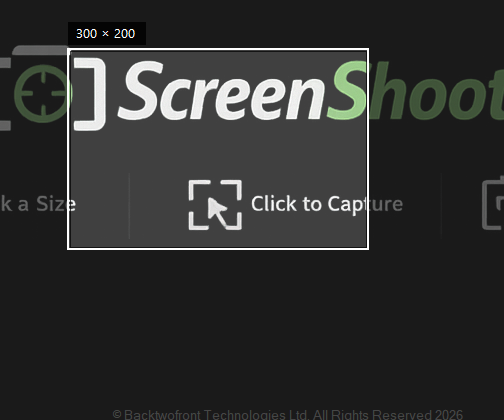
Whether you are documenting an app, preparing website visuals, logging a support issue, or creating matching feature images, ScreenShooter removes the repetitive crop-resize-check cycle.
Start with the width and height you need, then frame your shot around the content instead of cropping afterwards.
Ideal for app stores, website feature blocks, help guides, release notes and documentation where every image needs to line up.
Skip the PowerPoint-mask workaround. Position the frame, capture, save, and move on.
Use the capture size as your starting point, then adjust while keeping the shape and ratio consistent.
A dimmed screen overlay helps you focus on the area being captured while the rest of the screen falls into the background.
ScreenShooter is designed as a simple utility: open it, grab the image you need, and get back to your actual work.
Instead of taking a full screenshot and trimming it down afterwards, ScreenShooter lets you frame the final image first.
Enter the target width and height for the final screenshot.
Position the clear capture area over the part of the screen you want.
Resize the capture frame while preserving the intended ratio.
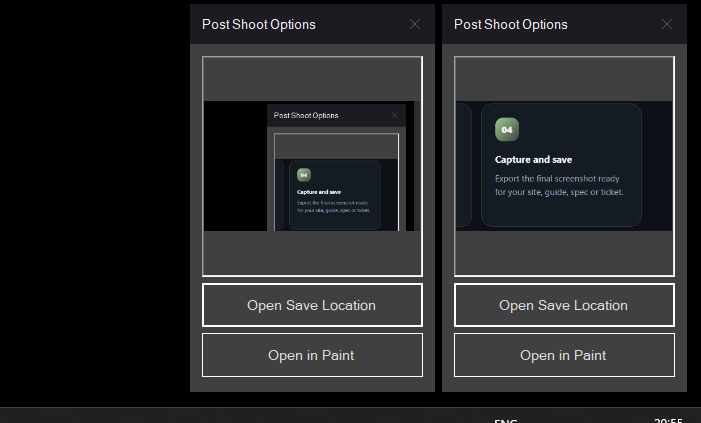
Export the final screenshot ready for your site, guide, spec or ticket.
If you have ever pasted a screenshot into another app, lined it up behind a square or rectangle, captured that again, then trimmed it in Paint, ScreenShooter is the utility that should have existed already.
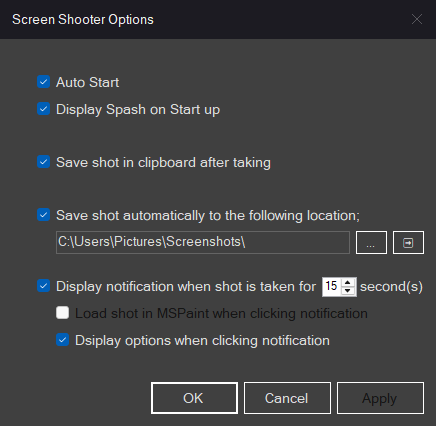
These placeholders show where I would put the real product images once you have the first build ready.
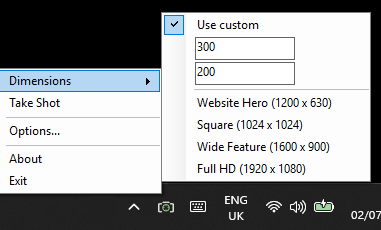
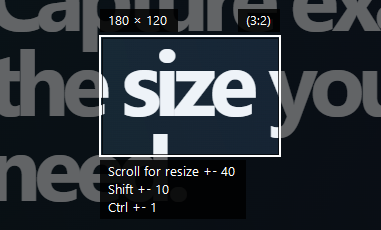
A small, focused screenshot utility for anyone who needs repeatable, correctly-sized screenshots without extra editing steps.
Download ScreenShooter Free - Soon!